Diablo 4 is the most recent installment of the nearly-30-year-old legendary franchise Diablo from Blizzard. It was officially released on June 6, 2023. Below are the system requirements to play the game on Windows PC. Minimum......
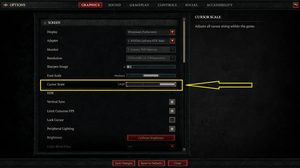
This concise, step-by-step guide will show you how to change the mouse cursor size in Diablo 4 (most controls in the game involve the cursor, so choosing a suitable scale for yourself is important). 1. Open the menu (by pressing Esc)......
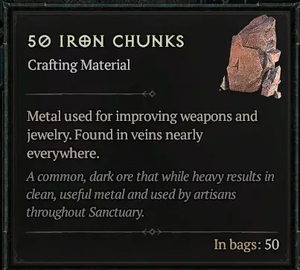
Iron chunks are a type of ore and one of the crafting materials needed when it comes to upgrading your weapons and jewelry in Diablo 4: There’re different ways to get unlimited iron chunks in the game, but the quickest and......
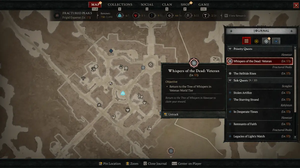
The journal (or quest log) is a super useful feature in Diablo 4. It is a menu that shows you all the quests that you can do in the game. Quests are tasks or missions that you can complete for rewards, such as experience, gold, items, or......
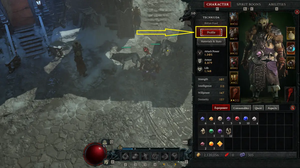
In Diablo 4, your privacy setting determines who can inspect your profile in-game. This includes your username, current character, and equipped gear. By default, this is set to public, allowing anyone to inspect your profile. To change......
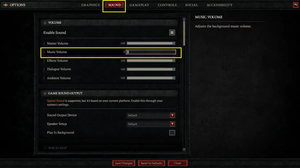
Diablo 4’s in-game background music is pretty nice, but if you find it doesn’t suit your taste or you simply want to listen to music from Youtube or Spotify while playing the game, then you can turn it off. This step-by-step......
Unfortunately, you cannot change your character’s name in Diablo 4 once you have created it. If you get bored with your current character’s name and don’t want to see it anymore, you will need to create a new one with the......
Below are the keyboard controls for Diablo 4 on PC, organized by sections. General ActionKeyCharacter PanelCClass PanelShift + CSkill Assignment FlyoutSSkill Tree PanelShift + SAbilities PanelAMapTabJournal PanelJShopPCollections......
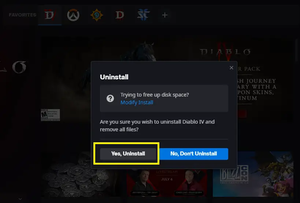
The size of Diablo 4 on PC is really big (approximately 90GB). If you’re getting bored with the game and want to reclaim free disk space to install other games, you can completely remove Diablo 4 from your computer by following the......
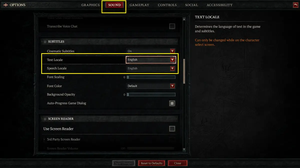
At the time of writing, Diablo 4 supports 14 text languages and 13 speech languages. The text languages are Chinese (Simplified), Chinese (Traditional), English, French, German, Italian, Japanese, Korean, Polish, Portuguese (Brazil),......
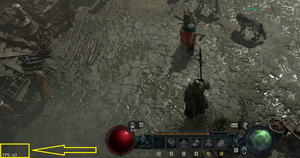
FPS stands for frames per second, which is a measure of how smoothly the game runs on your PC. The higher the FPS, the better the performance. In order to see FPS Diablo 4 on PC, you need to press Ctrl +R on your keyboard while in the......
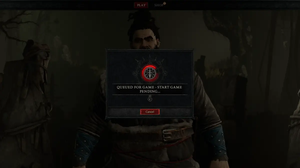
After selecting your Diablo 4 character and starting the game, you might see a loading screen with the “QUEUED FOR GAME – START GAME PENDING…” notice. This is not an error but a login queue message. It means that you are......