This page brings to the table all the keyboard controls you need to know when playing Remnant 2 (a beloved third-person shooter-looter game developed by Gunfire Games) on PC. Without any further ado, let’s get straight to the point.
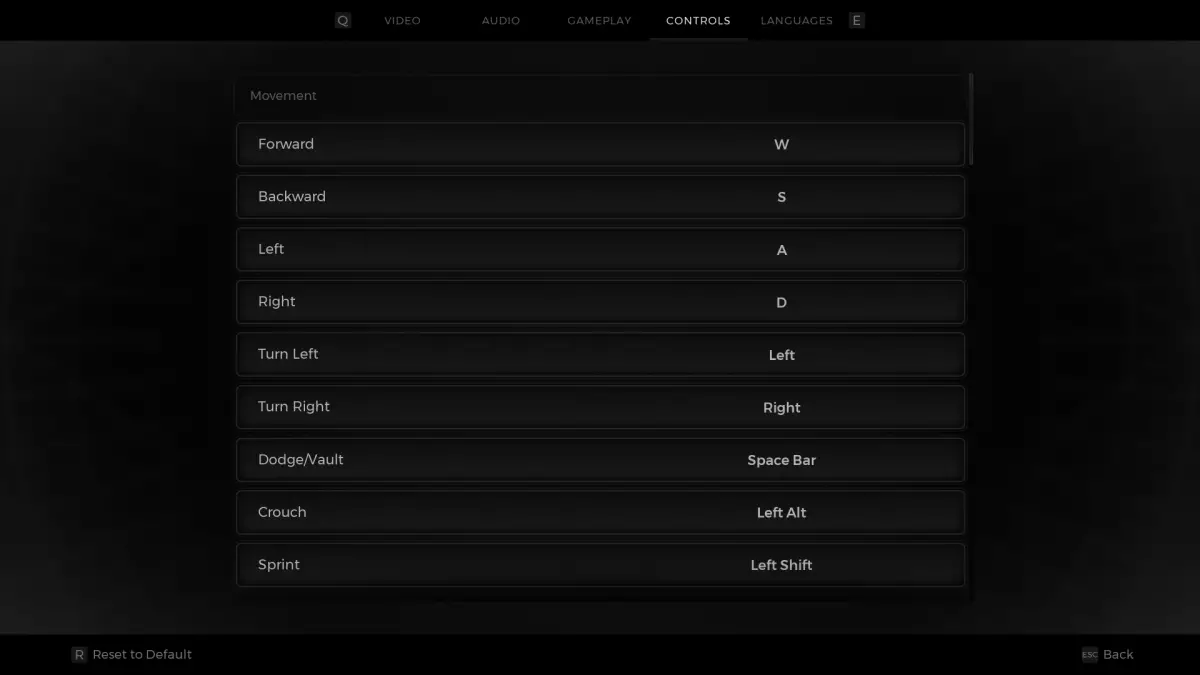
Movement Key Action W Move forward A Move Left S Move backward D Move right Left Turn left Right Turn right Space Doge/Vault Left Alt Crouch Left Shift Sprint
Combat Key Action Left Mouse Melee attack Left Mouse Shoot (when aiming) Right Mouse Aim Ability 1 Q Ability 2 C X Switch weapon Mouse wheeln Mouse wheel R Reload F Weapon mode Z Scope Left Shift Switch camera
Interaction & Items Key Action E Interact 1 Relic 2 Item slot 1 3 Item slot 2 4 Item slot 3 5 Item slot 4 G Ping L Flashlight
Key Action Tab Open menu O Option P Archetype J Character screen I Open inventory T Traits R See advanced stats M Show map
UI Key Action Space Skip dialogue/ Confirm an option/ Close a dialog E Item interact F Dialogue select Right Mouse Inspect Right Shift Next spectator E Navigate to the left tab Q Navigate to the right tab W Map camera forward S Map camera backward A Map camera left D Map camera right R Reset to the default settings R (hold) Reset the default settings Esc Go back/ Close menus
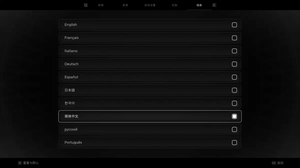
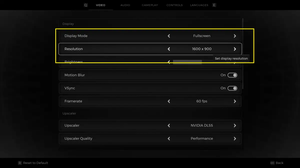
Above are all the control keys when playing Remnant 2 on the computer. You can change the key bindings by going to System > Options > Controls:
Hope this helps. Happy fighting bosses & have a nice day!